Ergonomic Tips for a Healthier Work-from-Home Setup: Insights from Dr. Lucas Rizzo


Introduction to Ergonomics
Working from home has become the new norm for many, but it often leads to a less-than-ideal setup. According to Dr. Lucas Rizzo, an expert in ergonomics, making small adjustments can significantly enhance your comfort and productivity.
Understanding the basics of ergonomics is crucial. Ergonomics focuses on designing a workspace that fits your body and reduces strain. By implementing ergonomic principles, you can improve your health and well-being.
Setting Up Your Workspace
Choosing the Right Chair
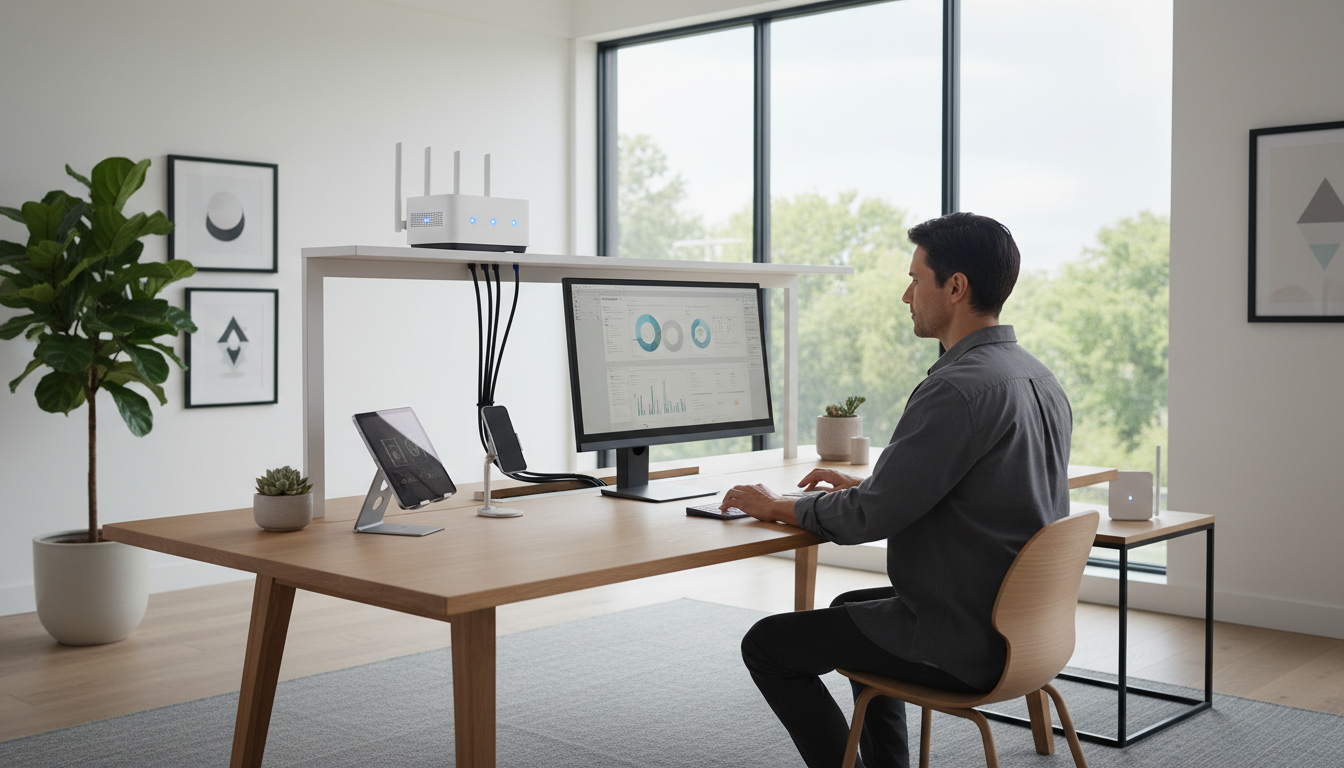
Your chair is one of the most important aspects of your setup. Dr. Rizzo suggests selecting a chair with proper lumbar support. A good chair will support the natural curve of your spine, reducing the risk of back pain.
Make sure your feet rest flat on the floor, and your knees are at a 90-degree angle. Adjust the armrests so your shoulders are relaxed. If your chair is too high, consider using a footrest.
Optimizing Your Desk and Monitor
The top of your monitor should be at or slightly below eye level, about an arm's length away. This setup minimizes neck strain and promotes good posture. If necessary, use a monitor stand or stack some books to achieve the right height.
Keyboard and Mouse Positioning
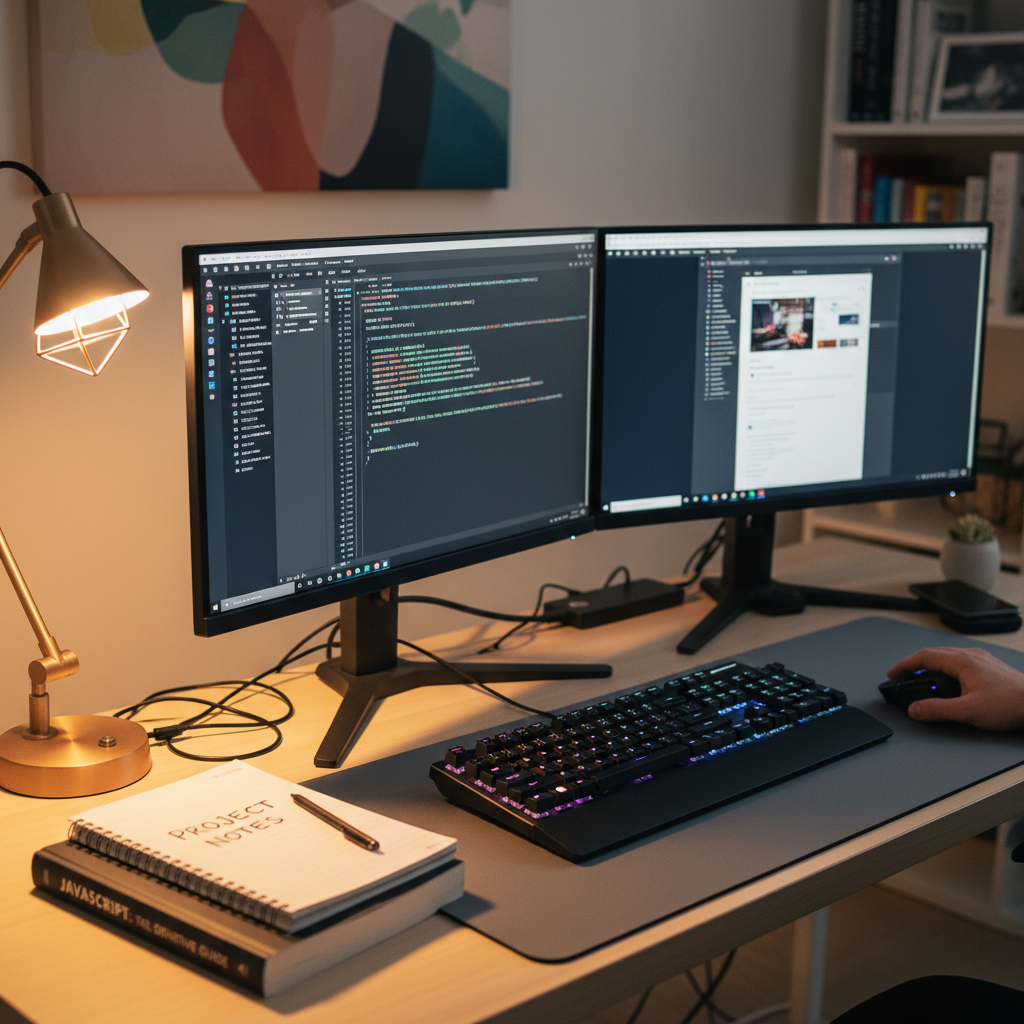
Proper keyboard and mouse positioning can prevent wrist strain. Dr. Rizzo recommends keeping them close to your body and at the same height. Your wrists should be straight and not bent while typing.
Consider using an ergonomic keyboard and mouse designed to promote a more natural hand position. A wrist rest can also provide additional support.
Incorporating Movement into Your Day
Regular Breaks
Taking regular breaks is essential for maintaining energy levels and reducing fatigue. Dr. Rizzo advises following the 20-20-20 rule: every 20 minutes, look at something 20 feet away for 20 seconds.
Stretching and Exercise
Incorporate stretching and light exercises into your routine. Simple stretches for your neck, shoulders, and back can alleviate tension. Consider using apps or online videos for guided exercises.
Lighting and Environment
Good lighting is crucial for reducing eye strain. Natural light is best, so position your desk near a window if possible. Use a desk lamp with adjustable brightness to ensure your workspace is well-lit.
Additionally, maintain a clutter-free environment to enhance focus and productivity. A clean workspace can improve your mental clarity and reduce stress.
Conclusion
By applying these ergonomic tips from Dr. Lucas Rizzo, you can create a healthier and more comfortable work-from-home environment. Remember, small changes can make a big difference in your overall well-being and productivity.